

Tracking requests
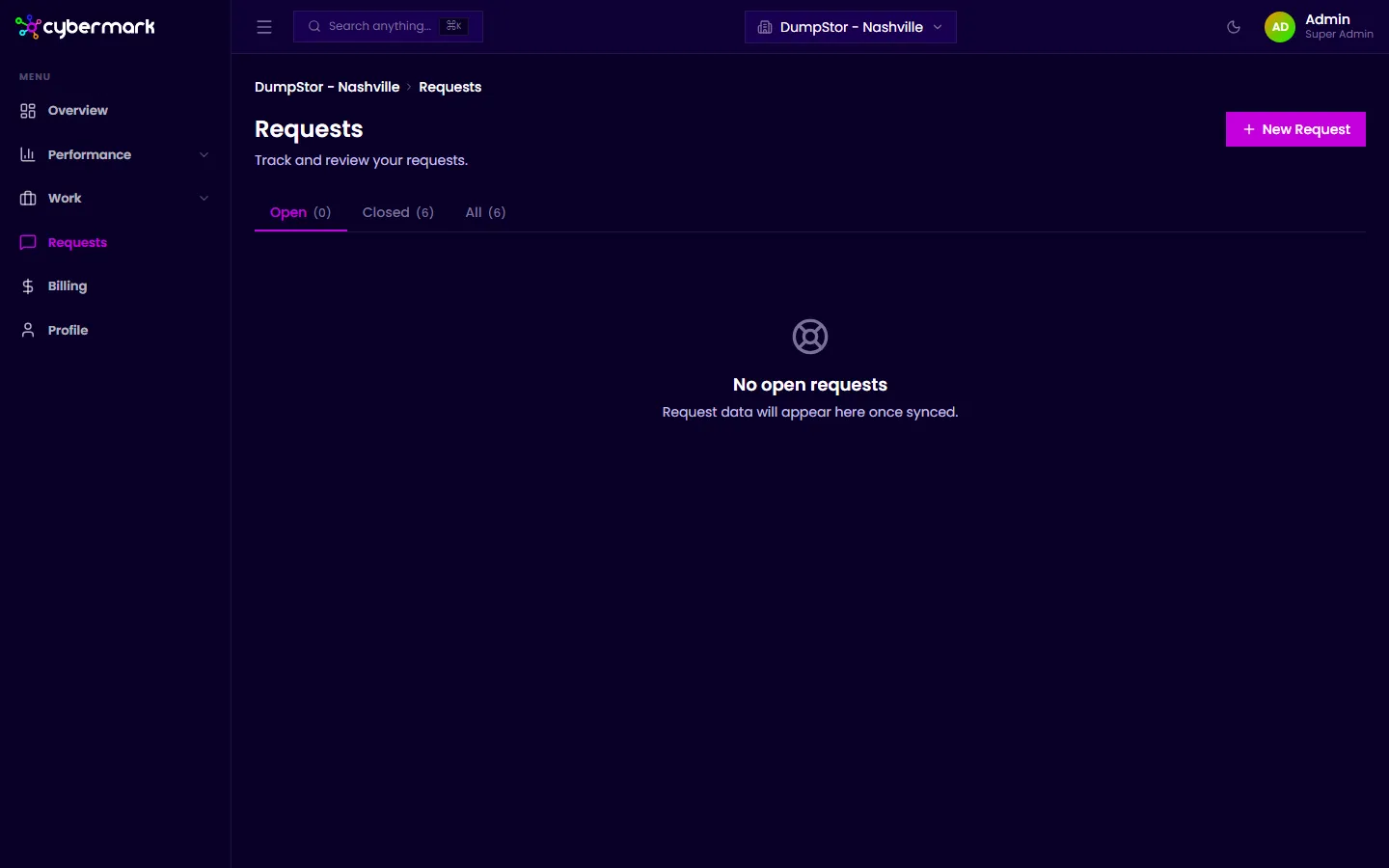
The Requests page lists all requests you’ve submitted so you can check their status, read responses from your agency team, and continue the conversation.
When you’d use this
Section titled “When you’d use this”Visit the Requests page when you want to check on a request you’ve submitted, read a reply, or add more context to an existing request.
Viewing your requests
Section titled “Viewing your requests”- Click Requests in the sidebar.
- Use the tabs at the top to switch between Open, Closed, and All requests.
- Each row shows the request title, status, priority, type, assignee, and the dates it was opened and closed.
Opening a request
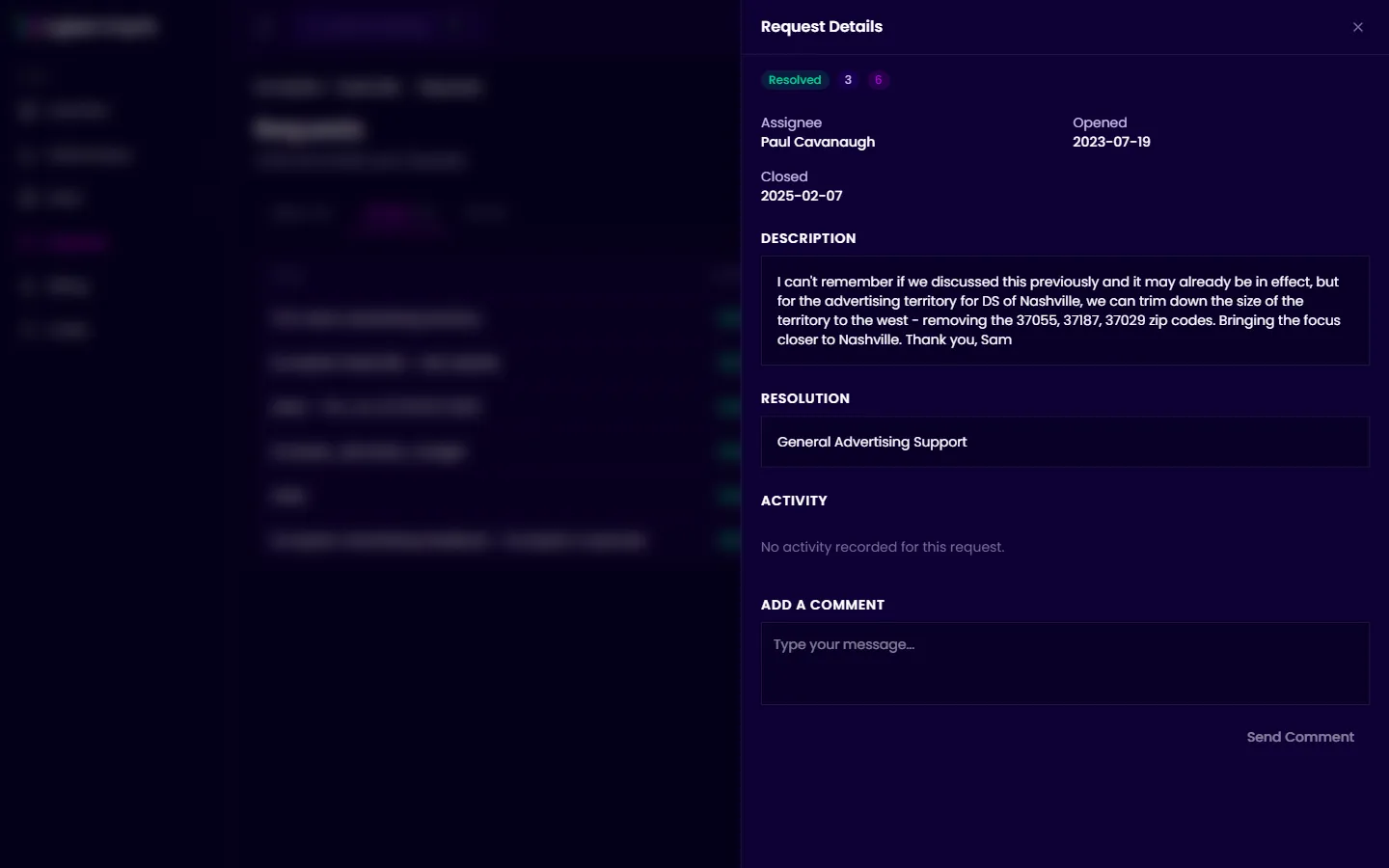
Section titled “Opening a request”Click any row to open the detail panel. You’ll see:
- The original description you submitted.
- The resolution (if closed).
- The full activity thread for the request.
- A comment box to add a reply.
Adding a comment
Section titled “Adding a comment”At the bottom of the detail panel, type your message in the Add a Comment field and click Send Comment to add it to the thread.