

Logging in
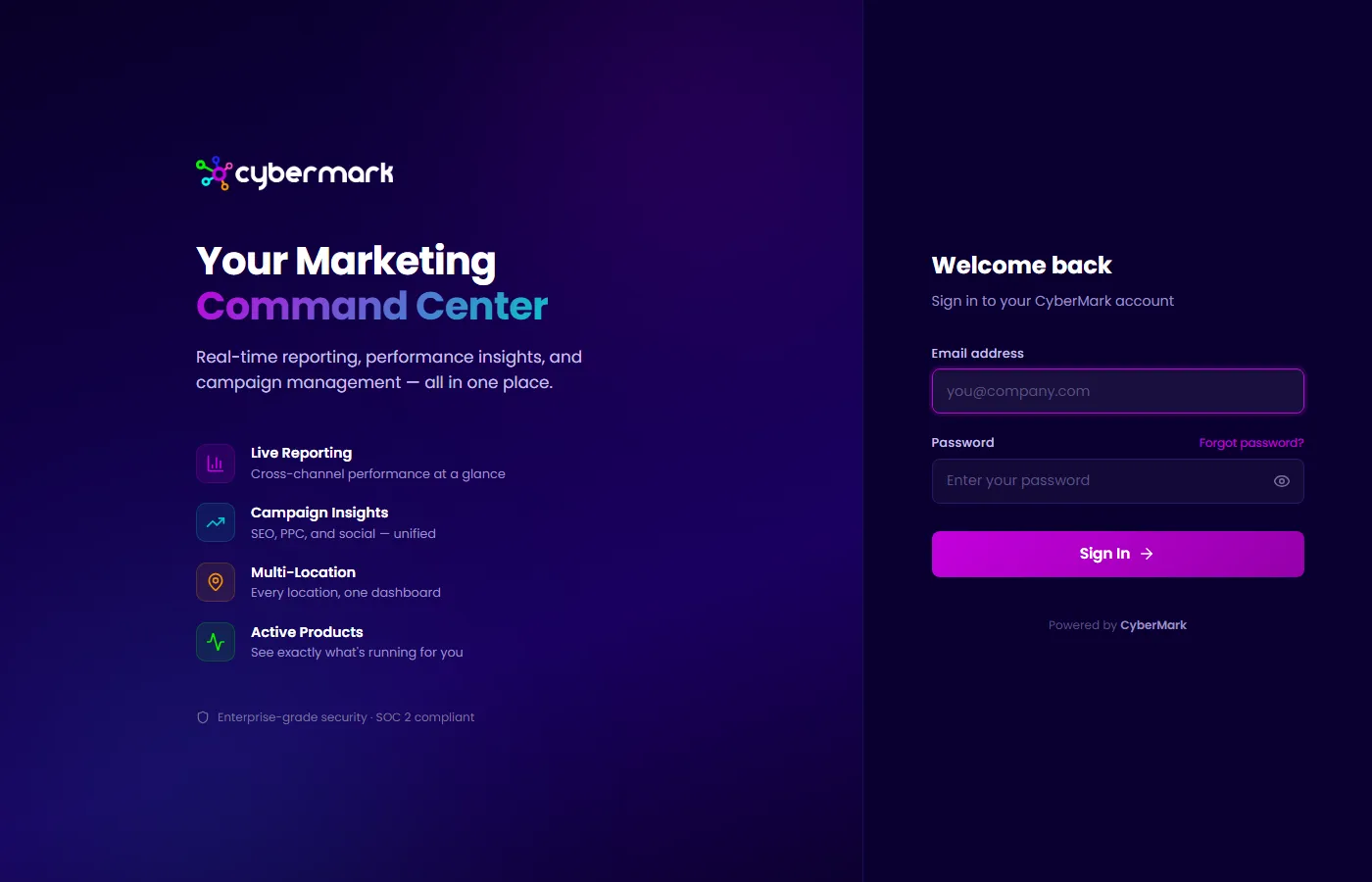
Log in at app.cybermark.com with the email and password you set when you accepted your invitation.
When you’d use this
Section titled “When you’d use this”Refer to this page when you need to sign in, reset a forgotten password, or understand how sessions work.
Signing in
Section titled “Signing in”- Go to app.cybermark.com.
- Enter your email address and password.
- Click Log In.
Resetting your password
Section titled “Resetting your password”If you’ve forgotten your password:
- Click Forgot Password on the login page.
- Enter the email address associated with your account.
- Check your inbox for a password reset email.
- Click the link in the email and set a new password.
Session duration
Section titled “Session duration”Your session refreshes automatically as you use CyberMark. If you haven’t logged in for 7 days, you’ll be asked to sign in again.