

Exporting leads
Export your leads as a CSV file to analyze them in a spreadsheet or share with someone who doesn’t have access to CyberMark.
When you’d use this
Section titled “When you’d use this”Export leads when you need to work with the data outside of CyberMark, share a lead report, or keep a local copy.
How to export
Section titled “How to export”- Go to Leads in the sidebar.
- Apply any filters you want (optional — filters carry into the export).
- Click Export CSV above the leads table.
- A CSV file downloads to your device.
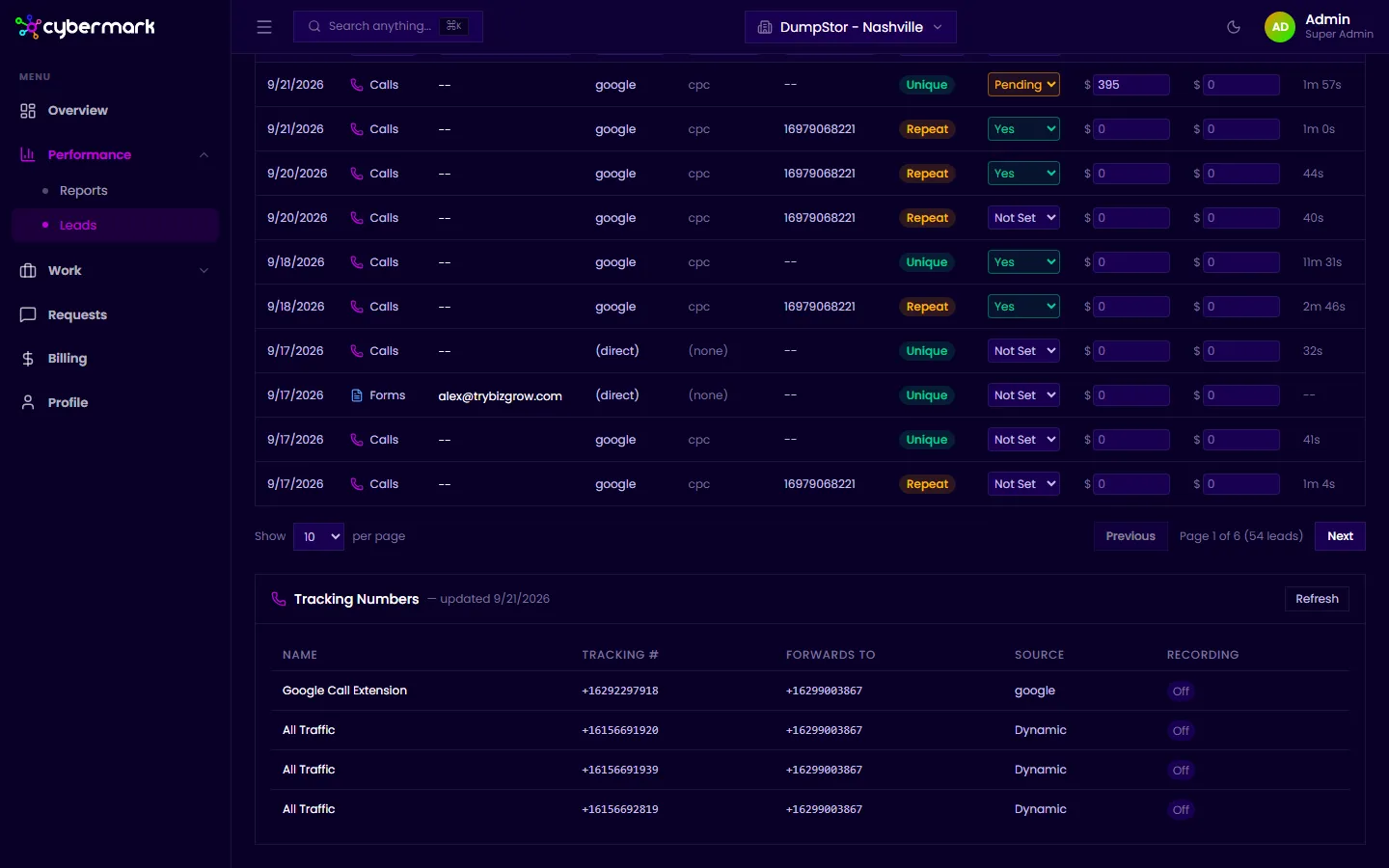
The export includes every lead matching your current filter state. To export all leads, clear your filters first.
What’s in the export
Section titled “What’s in the export”The CSV contains one row per lead with columns for date, type, email, source, medium, campaign, unique/repeat status, quotable status, quote value, sales value, and call duration.