

Submitting a request
Use the Requests page to send a message to your agency team any time you have a question, need a change made, or want to report an issue.
When you’d use this
Section titled “When you’d use this”Submit a request any time you need help from your agency — whether it’s a campaign change, a billing question, a website update, or anything else.
Creating a request
Section titled “Creating a request”- Click Requests in the sidebar.
- Click New Request at the top of the page.
- Fill in the request details.
- Click Submit.
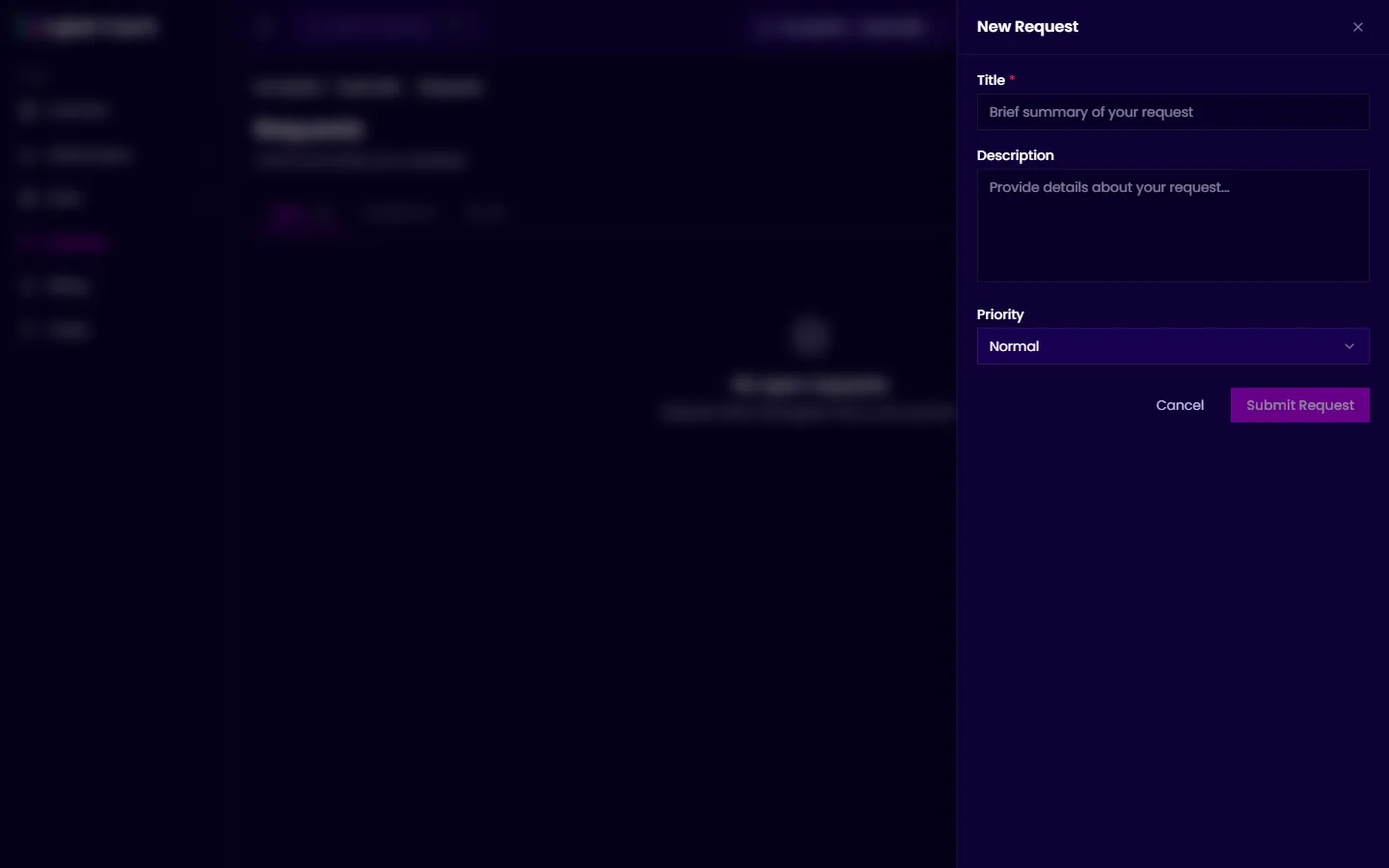
Your request will appear in your agency’s support queue and they’ll follow up directly. You can track its progress from the Requests page.