

Accepting an invitation
When your agency or account admin adds you to CyberMark, you’ll receive an email invitation with a link to set up your account.
When you’d use this
Section titled “When you’d use this”Follow these steps the first time you’re invited to CyberMark, or when you’re added to a new account.
Setting up your account
Section titled “Setting up your account”- Open the invitation email from CyberMark.
- Click the invitation link.
- Set your password on the registration page.
- You’ll be logged in automatically after submitting your password.
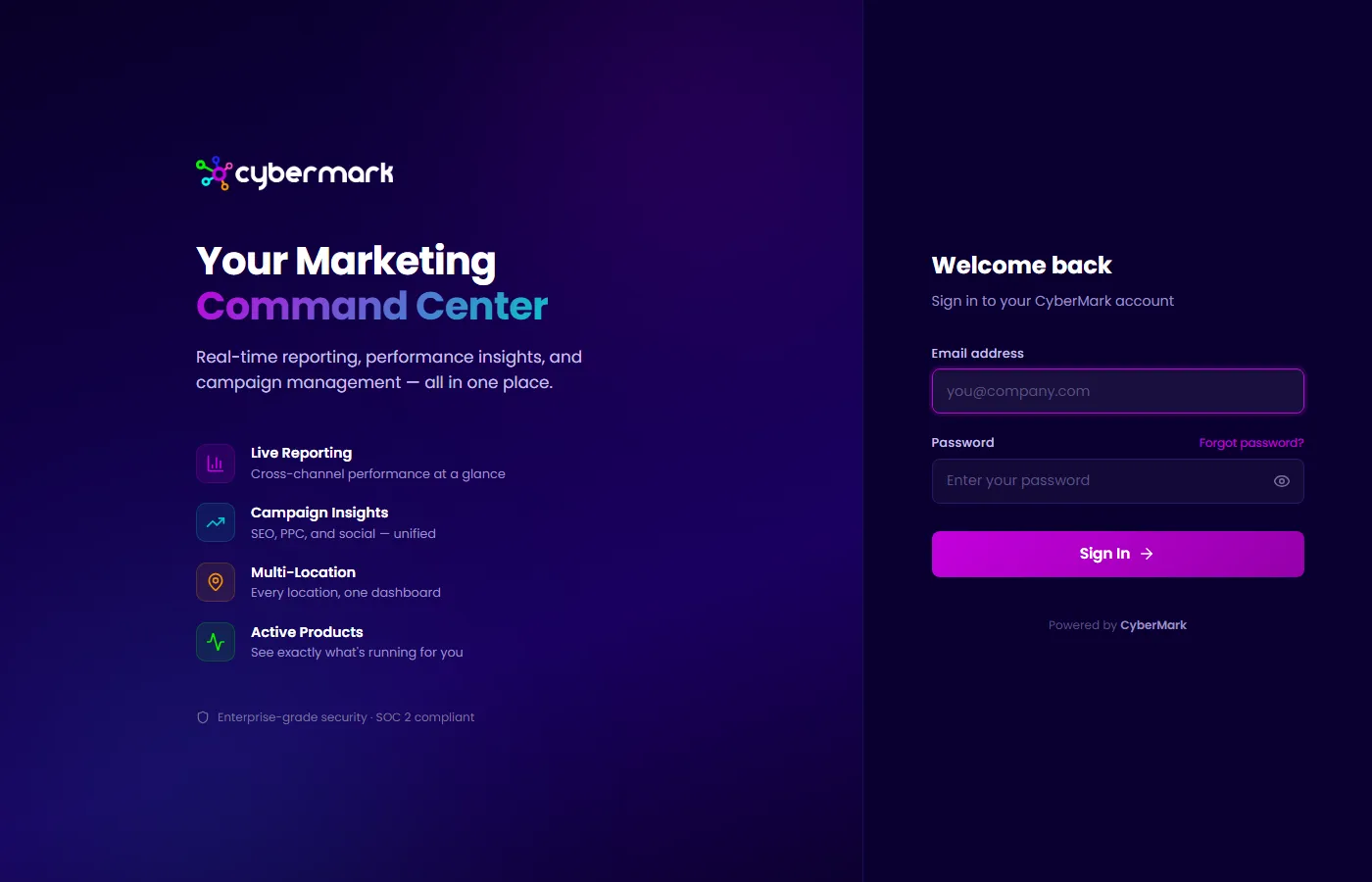
That’s it — no separate verification step required.
Invitation expiry
Section titled “Invitation expiry”Invitation links expire after 7 days. If your link has expired, contact your agency or account admin and ask them to resend the invitation.
Multiple accounts
Section titled “Multiple accounts”One email address can be associated with multiple CyberMark accounts. If you’re invited to a second account using the same email, you won’t need to create a new password — just click the invitation link to confirm access. You can then switch between accounts after logging in.