

Projects
The Projects page lists the jobs your agency is working on for you, including tasks, milestones, and status for each project.
When you’d use this
Section titled “When you’d use this”Visit this page when you want to check the status of a project, see which tasks are complete, or review what’s been delivered.
Getting there
Section titled “Getting there”Click Projects under Work in the sidebar, or go to app.cybermark.com/client/projects.
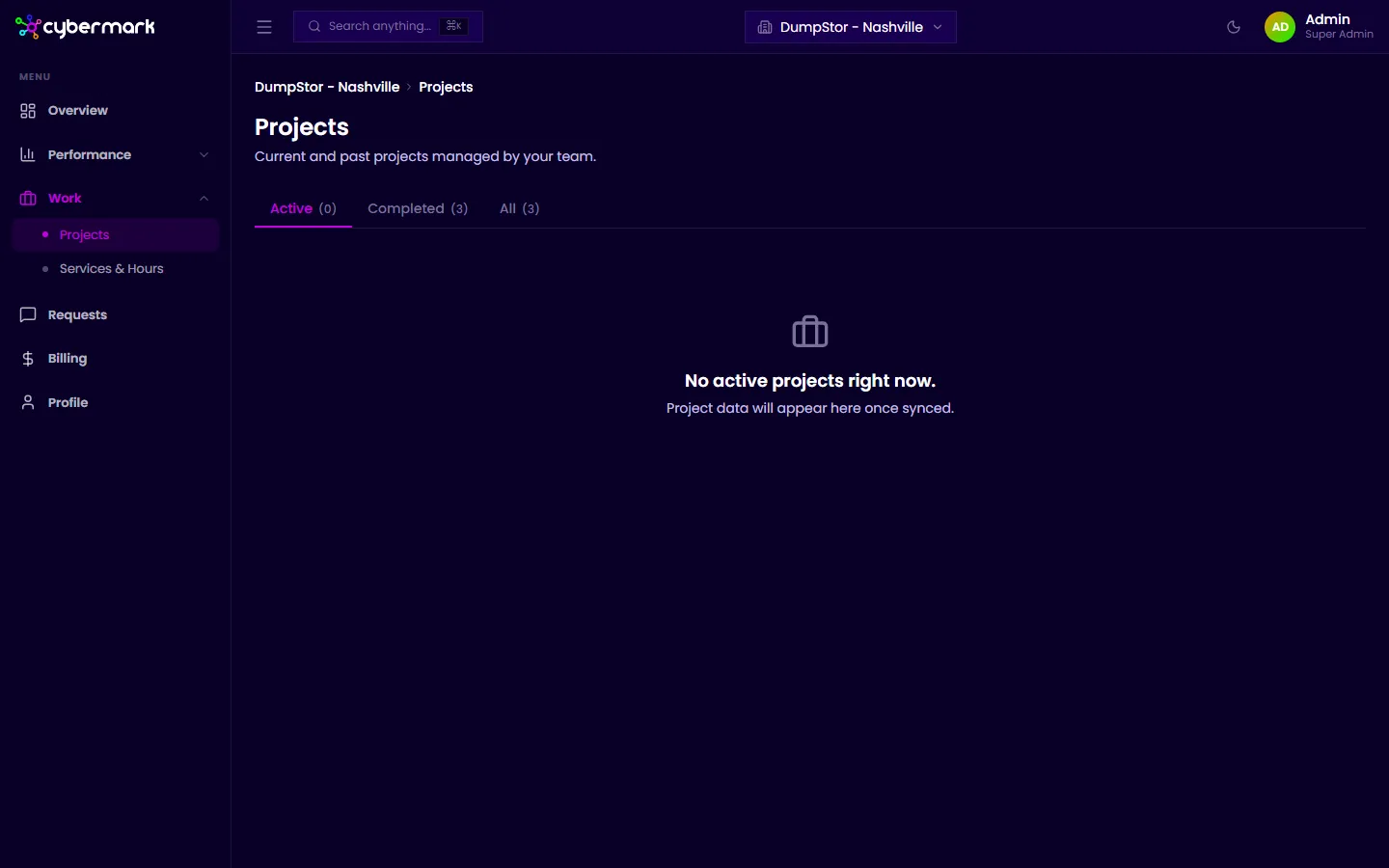
Viewing your projects
Section titled “Viewing your projects”Projects are organized into three tabs:
- Active — Projects currently in progress.
- Completed — Projects that have been finished.
- All — Every project regardless of status.
Each project card shows:
- Project title — The name of the job.
- Status — Whether it’s active or complete.
- Tasks — Individual tasks within the project, each with a completion status.
- Milestones — Key dates or deliverables marking major checkpoints.
Tracking task progress
Section titled “Tracking task progress”Each task shows whether it is not started, in progress, or complete. This gives you a clear picture of how much work remains and what your agency is currently focused on.
Monitoring milestones
Section titled “Monitoring milestones”Milestones represent significant checkpoints, such as a launch date or a deliverable handoff. These dates come from your agency’s project management system.