

Integrations overview
CyberMark connects to your marketing platforms so all of your performance data lives in one place — visible across Reports, the Lead Manager, and the Overview page.
When you’d use this
Section titled “When you’d use this”Refer to this page when you want to understand which platforms are connected to your account, what data each one provides, or why you might be seeing sample data instead of real numbers.
Available integrations
Section titled “Available integrations”| Integration | What it provides |
|---|---|
| Google Ads | Ad spend, clicks, impressions, conversions, conversion value, ROAS |
| Meta (Facebook Ads) | Ad spend, clicks, impressions, conversions |
| Google Analytics 4 | Sessions, users, website conversions, channel breakdown, device data |
| Google Search Console | Organic clicks, impressions, CTR, average position, top queries and pages |
| Google Business Profile | Profile views, actions, engagement rate, ratings |
| WhatConverts | Lead tracking for calls, forms, and transactions with UTM attribution |
| Yext | Listing health, impressions, customer actions, phone calls, review metrics |
How integrations get set up
Section titled “How integrations get set up”Your agency connects these integrations on your behalf during onboarding. You don’t need to set them up yourself. If you need a new integration added or an existing one updated, contact your agency.
If you see sample data
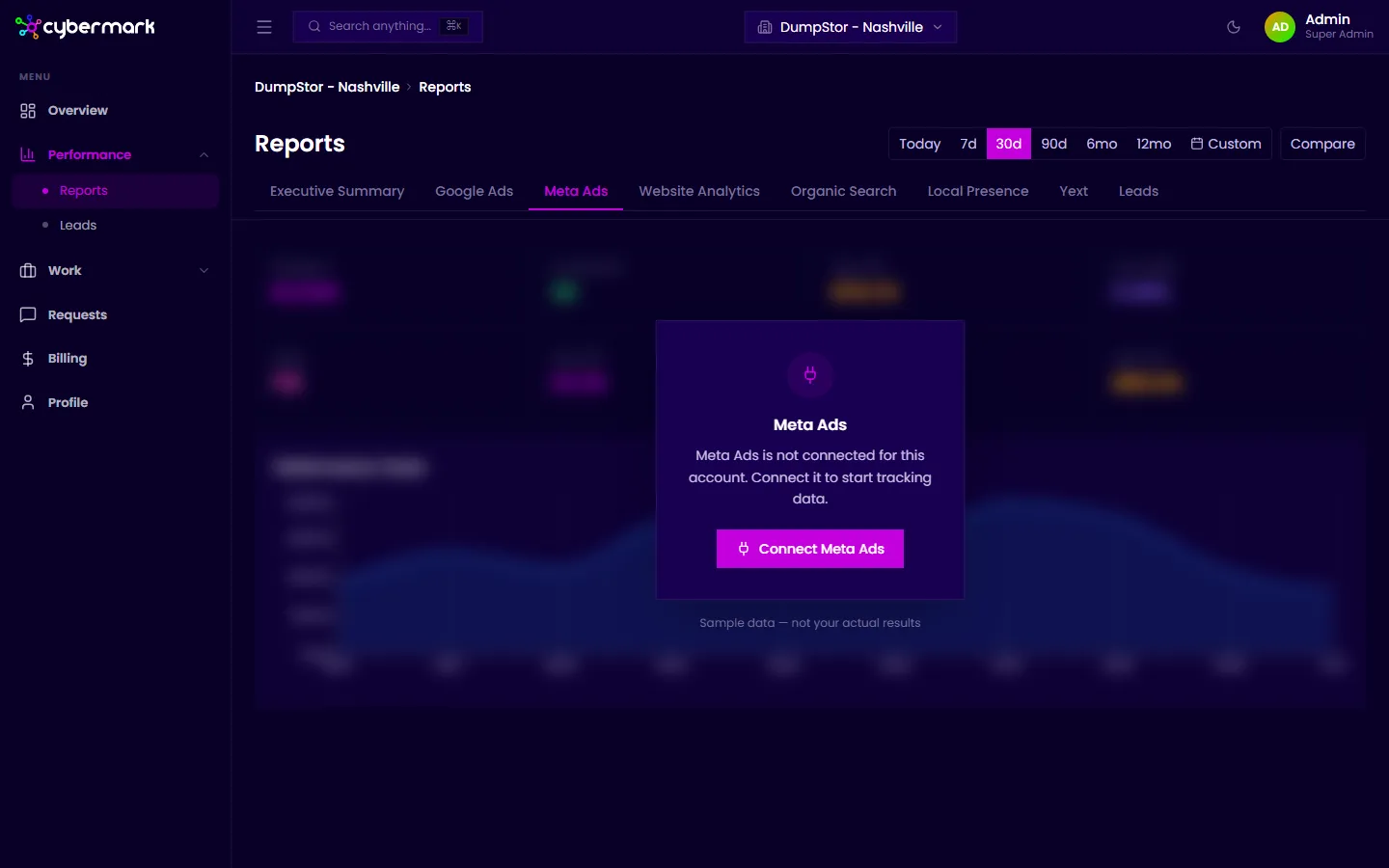
Section titled “If you see sample data”When an integration hasn’t been connected for your account, the relevant tab in Reports shows sample placeholder data with a note that it isn’t your actual results. This is not real data — contact your agency to get the platform connected.
Data refresh schedule
Section titled “Data refresh schedule”Once an integration is connected, data syncs automatically every 6 hours. You don’t need to do anything to keep it up to date.