

Meta Ads tab
The Meta Ads tab shows performance data from your Meta (Facebook and Instagram) advertising account, including spend, clicks, conversions, and cost efficiency metrics.
When you’d use this
Section titled “When you’d use this”Open this tab when you want to see how your Meta advertising budget is performing, what your cost per conversion looks like, and how your campaigns are trending over time.
Getting there
Section titled “Getting there”Go to Reports in the sidebar and select the Meta Ads tab.
Key metrics
Section titled “Key metrics”| Metric | What it means |
|---|---|
| Ad Spend | Total amount spent on Meta Ads during the selected period. |
| Conversions | Total conversion events tracked in Meta Ads. |
| Avg. CPA | Average cost per conversion: total spend ÷ total conversions. |
| Conv. Rate | Conversion rate: conversions ÷ clicks. |
| Clicks | Total clicks on your Meta Ads. |
| Avg. CPC | Average cost per click. |
| Impressions | Total times your ads were shown. |
| Avg. CPM | Average cost per 1,000 impressions. |
Performance Trend chart
Section titled “Performance Trend chart”A line chart shows how spend and other metrics trend day by day over the selected period.
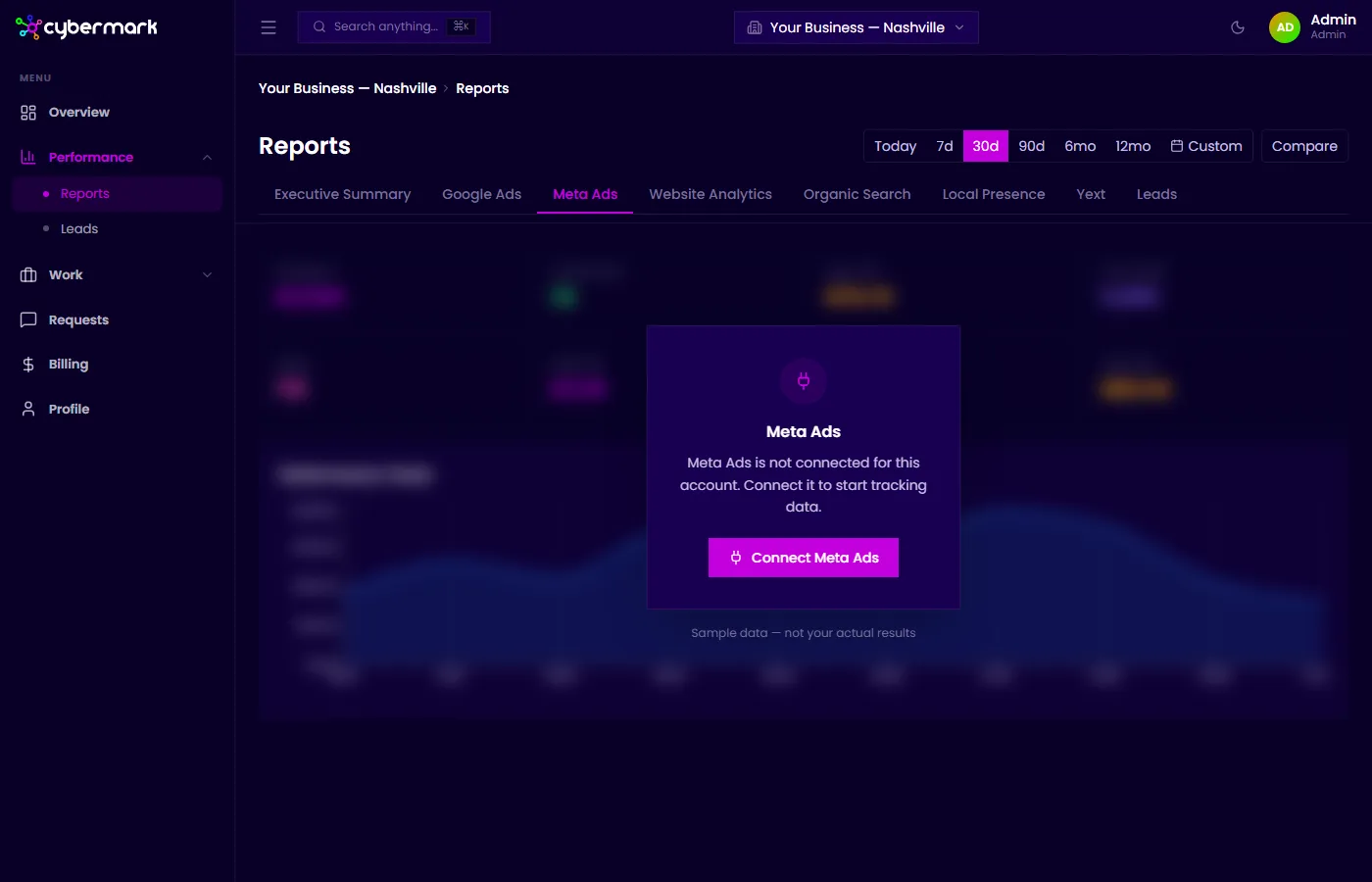
If Meta Ads isn’t connected
Section titled “If Meta Ads isn’t connected”When Meta Ads hasn’t been set up for your account, the tab shows sample data with a note that it isn’t your actual results. Contact your agency to get Meta Ads connected.