

Services and hours
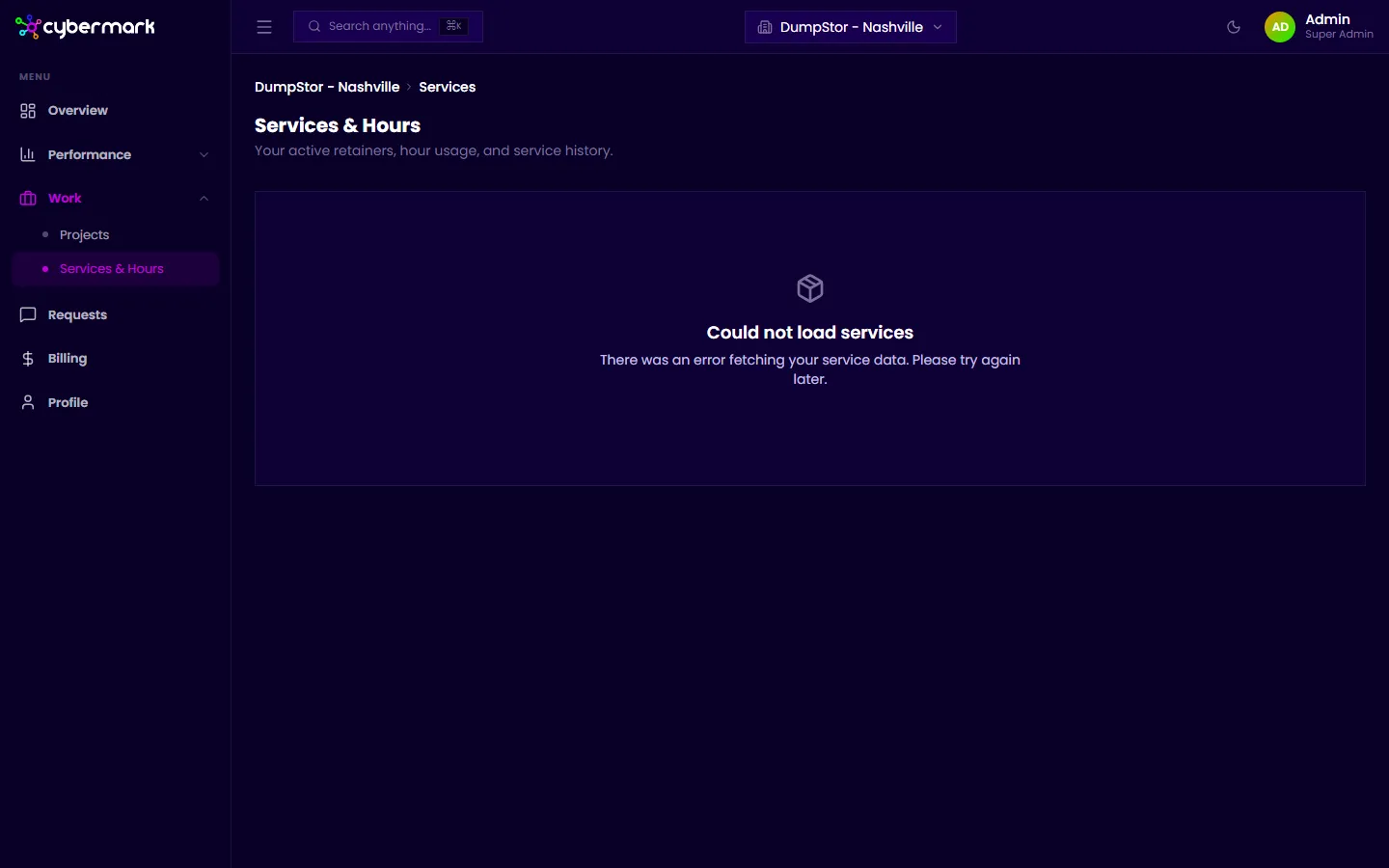
The Services & Hours page shows your active service agreements (retainers) with your agency, including how much of your allocated hours or budget has been used in the current period.
When you’d use this
Section titled “When you’d use this”Check this page when you want to see how much of your retainer has been used, how much remains, or when your current period renews.
Getting there
Section titled “Getting there”Click Services & Hours under Work in the sidebar, or go to app.cybermark.com/client/services.
What’s on the page
Section titled “What’s on the page”Each retainer card displays:
- Retainer name — The name of the service agreement.
- Current period — The billing period you’re currently in (for example, September 2026).
- Usage — Hours or budget used versus the total allocated for the period. This updates as your agency logs work against your retainer.
- Renewal date — When the current period ends and the next one begins.
Understanding usage
Section titled “Understanding usage”Your retainer tracks either hours or a dollar budget, depending on how your agency has set it up. The usage bar shows how much has been consumed relative to your allocation. If usage is approaching the limit, contact your agency before the period ends to discuss priorities or adjustments.