

Local Presence tab
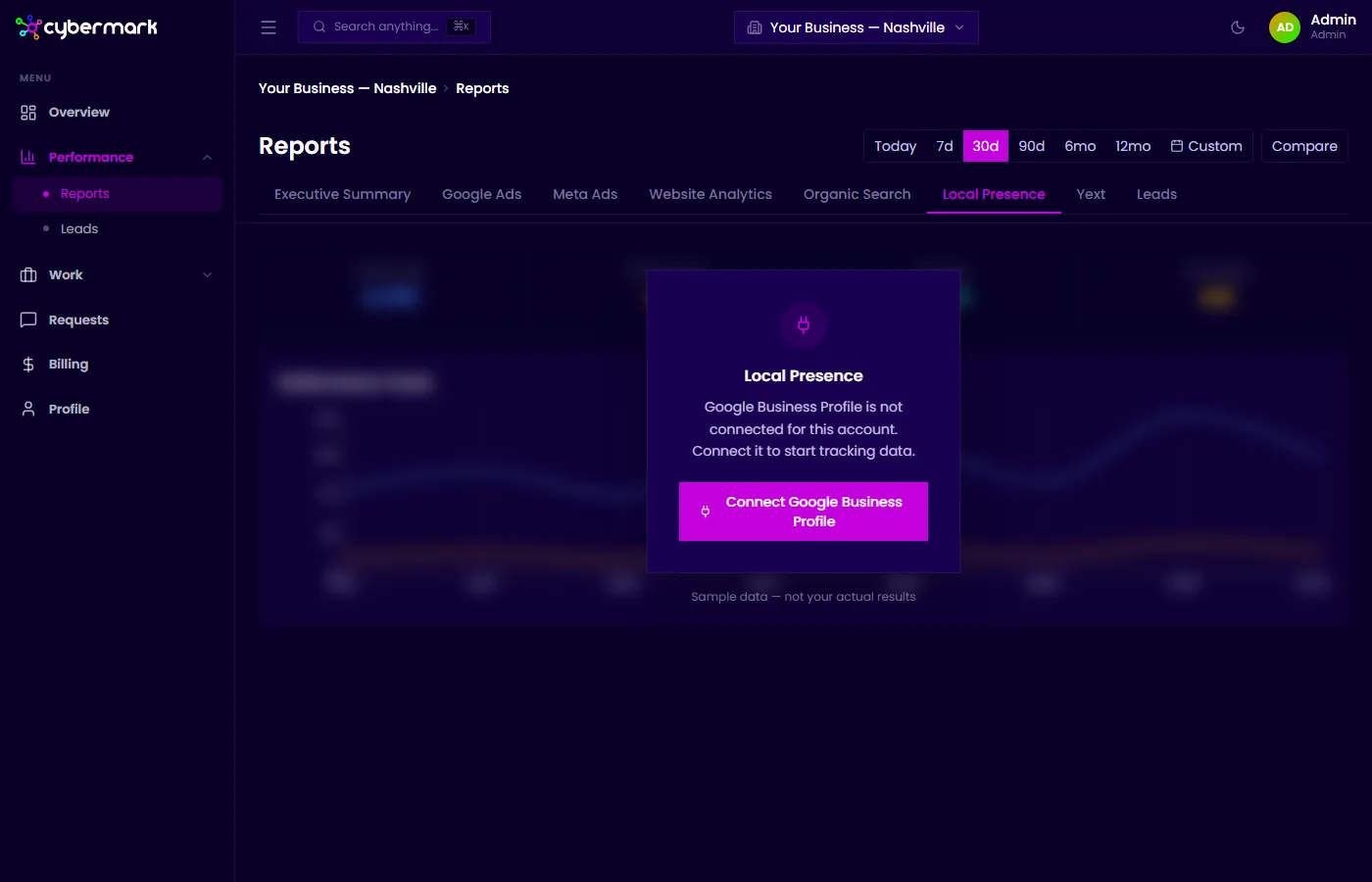
The Local Presence tab shows data from Google Business Profile (GBP), giving you insight into how your business listings appear in local search and Google Maps.
When you’d use this
Section titled “When you’d use this”Open this tab when you want to understand how often your business profile is seen, how customers are engaging with it, and what your average rating looks like.
Getting there
Section titled “Getting there”Go to Reports in the sidebar and select the Local Presence tab.
Key metrics
Section titled “Key metrics”| Metric | What it means |
|---|---|
| Profile Views | How many times your business profile was viewed on Google Search or Maps. |
| Profile Actions | Total actions taken on your profile — visiting your website, requesting directions, or calling. |
| Eng. Rate | Engagement rate: actions as a percentage of views. |
| Avg. Rating | Your average star rating across all Google reviews. |
Performance Trend chart
Section titled “Performance Trend chart”A line chart showing how profile views and actions change over the selected period.
If Google Business Profile isn’t connected
Section titled “If Google Business Profile isn’t connected”When GBP isn’t set up for your account, the tab shows sample data with a note that it isn’t your actual results. Contact your agency to get Google Business Profile connected.