

Google Ads tab
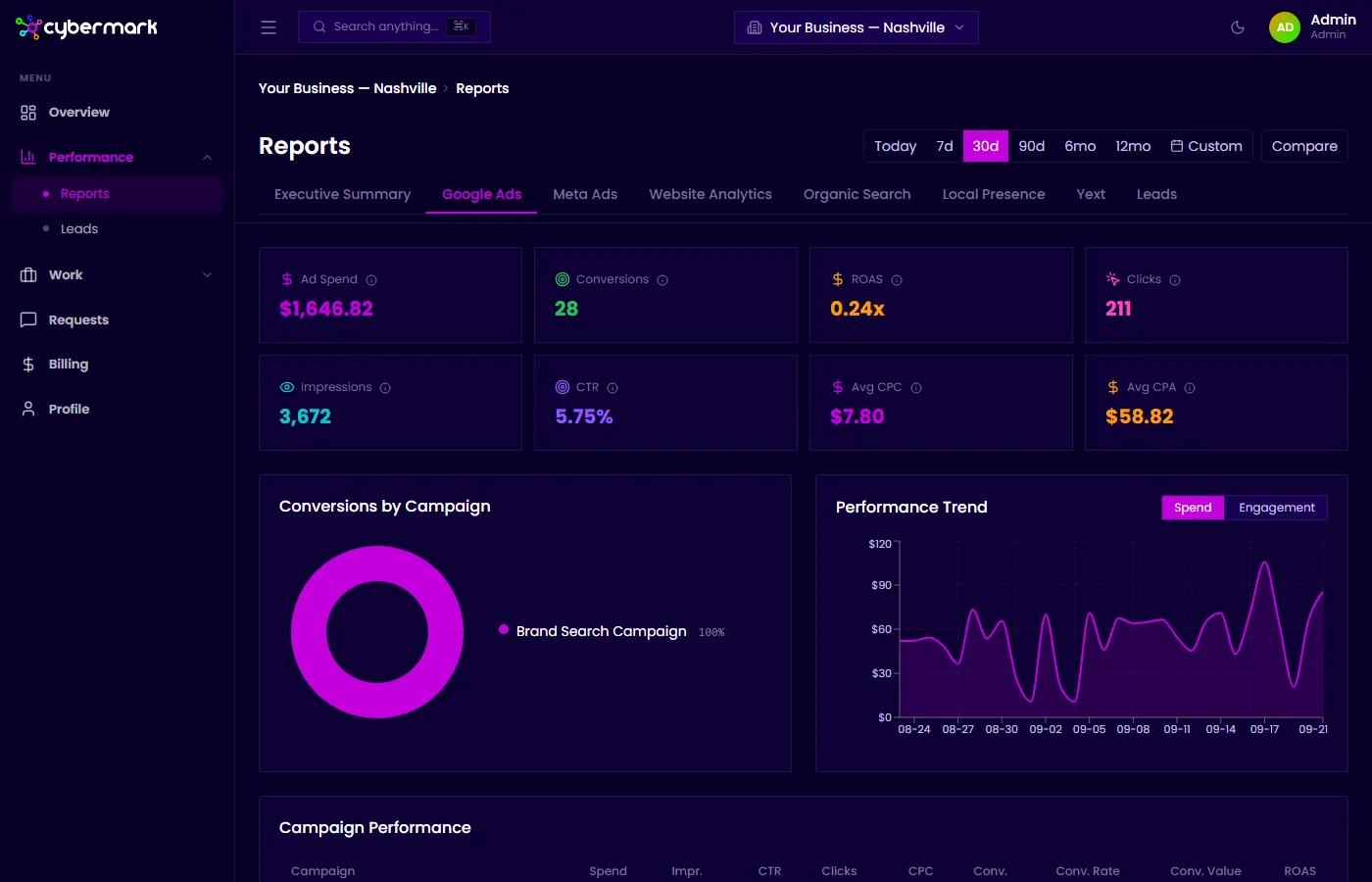
The Google Ads tab shows performance data from your Google Ads account, including spend, clicks, conversions, and campaign-level breakdowns.
When you’d use this
Section titled “When you’d use this”Open this tab when you want to see how your Google Ads budget is being spent, which campaigns are driving conversions, and how efficiency metrics like ROAS and CPA are trending.
Getting there
Section titled “Getting there”Go to Reports in the sidebar and select the Google Ads tab.
Key metrics
Section titled “Key metrics”| Metric | What it means |
|---|---|
| Ad Spend | Total amount spent on Google Ads during the selected period. |
| Conversions | Total conversion actions tracked in Google Ads (purchases, form fills, calls, etc.). |
| ROAS | Return on ad spend: conversion value ÷ spend. A ROAS of 2.0x means $2 in conversion value for every $1 spent. |
| Clicks | Total clicks on your Google Ads. |
| Impressions | Total times your ads were shown. |
| CTR | Click-through rate: clicks ÷ impressions. |
| Avg CPC | Average cost per click: total spend ÷ total clicks. |
| Avg CPA | Average cost per conversion: total spend ÷ total conversions. |
Charts
Section titled “Charts”- Conversions by Campaign — A pie chart showing how conversions are distributed across your active campaigns.
- Performance Trend — A line chart showing spend and engagement metrics over time. Toggle between Spend and Engagement views.
Campaign Performance table
Section titled “Campaign Performance table”Below the charts, a table breaks down each campaign with columns for spend, impressions, CTR, clicks, CPC, conversions, conversion rate, conversion value, and ROAS. The table footer shows overall conversion rate and average CPA.